


Slot Rize Mobile Platform
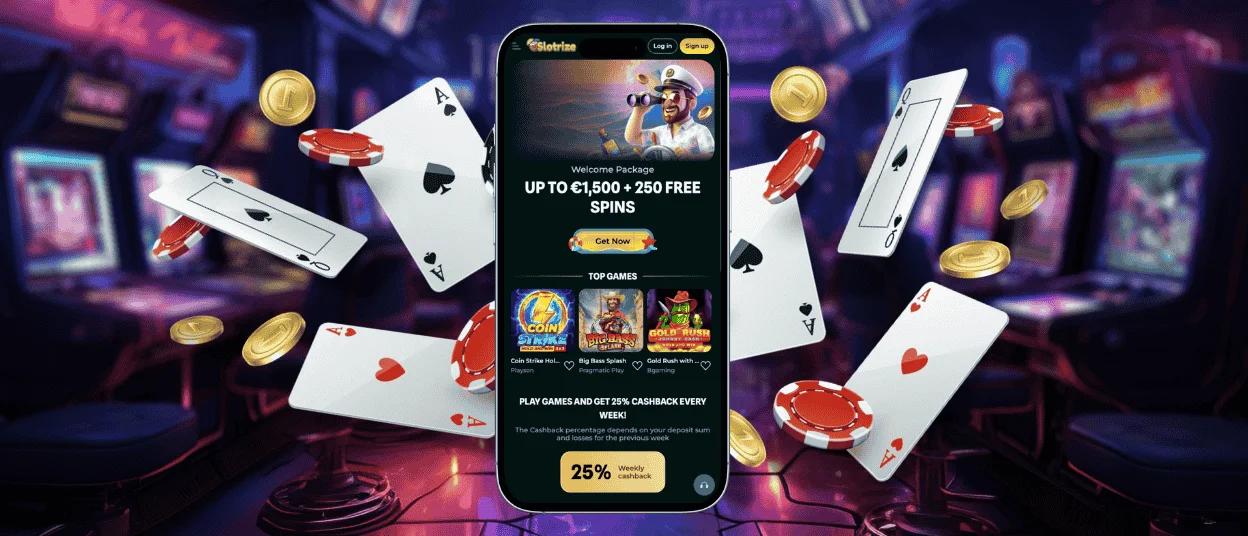
The Slotrize app allows for easy and convenient access to your casino account. With its help, you can play the trendiest online slots, join live dealer tables, win progressive jackpots, and enjoy a plethora of other activities from our extensive catalog when on the go. The app is free to use and compatible with any type of device: iOS, Android, and even Windows or macOS.



Using Slotrize on Your Mobile Device
The Slotrize app has the format of a progressive web application (PWA), which serves as a shortcut to our official website. After installing it on your Android or iOS device, you won’t ever need to open our casino via a browser again – you can simply click the icon on your home screen and get to playing slots right away.
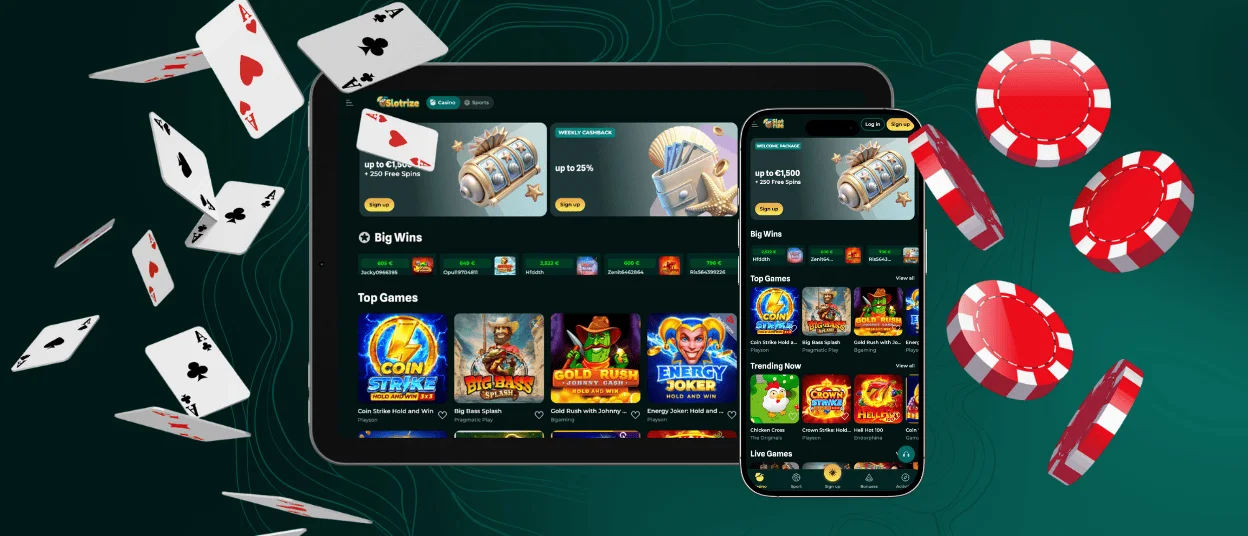
The mobile version of Slotrize Casino provides all the same features and interfaces as the official website. However, it’s perfect for those who prefer to gamble using their smartphones or tablets instead of PCs.
Here are the key advantages of using the Slot Rize app instead of gambling on your computer:
- Greater mobility. There’s no need to sit at home in front of your computer. You can easily tap into a top-notch gaming experience even while traveling around.
- Easy access. Logging into your mobile casino account is faster from your phone’s home screen than from a browser.
- Faster loading time. The PWA uses smart cache key assets that make casino interfaces appear on your screen immediately.
- Push notifications. With your permission, our PWA will keep you informed of new promo campaigns and bonuses available.
- Offline functionality. You can check information in your casino account even if not connected to the internet, since previously loaded content stays visible via a PWA.
In addition to that, you can install the Slotrize app on your computer’s desktop as well. Then, no matter which device you decide to use for gambling in our casino, your activity data will be seamlessly synchronized across platforms.
Slotrize iOS Mobile App
For iPhone and iPad users, the Slotrize app installation process is just as straightforward:
- Open our website in your mobile browser.
- Go to the browser’s settings and pick the “Add to Home Screen” item.
- Start the installation process with a click on a button.
- Wait for a few seconds for the casino icon to appear on the screen of your device.
Once done, you can conveniently log into your account, make deposits, play slots, and join live dealer games even on the go.
Slotrize Android Mobile App
Even though Android Package Kit (APK) is one of the most common types of apps for Android devices, it has several disadvantages compared to PWAs:
| Aspect | APK | PWA |
| Device’s memory | Significant storage footprint | Lightweight and doesn’t consume much RAM or battery |
| Updates | May require manual reinstallation by users | Gets updated automatically |
| Downloading | If the APK isn’t available in the Google Play Store, you might need to download it from unverified resources | No need to download any suspicious files at all |
| Launching time | May take time, depending on the app’s complexity and weight | Instant |
Installing the Slotrize Casino PWA on your Android phone or tablet takes just a few simple steps:
- Go to our official website in the mobile browser of your choice.
- Click the three-dot icon in the address bar to open the menu.
- Select the “Add to Home Screen” option in the list.
- Tap the button to launch the installation process.
After that, the Slot Rize icon will emerge on your screen in a matter of seconds. And whenever you want to play our games or check some information in your personal account, you can simply click on it to get to Slotrize Casino quickly.
Windows and macOS Applications
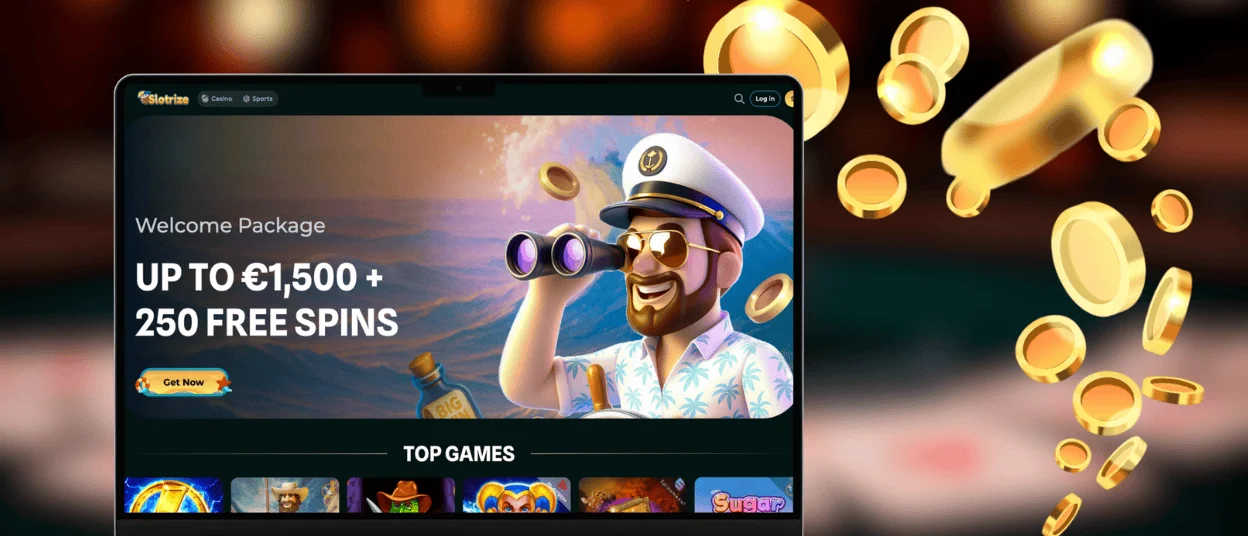
The use of the Slotrize app is not limited to mobile devices only – our PWA works perfectly across all platforms, including computers with Windows or macOS. The main reason to add it to your desktop as well is much faster and more convenient access to our casino.
To install the app on your computer, you simply need to open our official website and click the installation button in the address bar (it looks like a computer screen with an arrow). After that, tap the installation button once more, and you’re done. The Slot Rize Casino icon will appear on your desktop shortly.
FAQ
Do I need to create a casino account to use the Slot Rize app?
You can install the Slotrize app on your smartphone or computer, even without an account. However, to start playing our online slots and make use of many other casino interfaces, you have to sign up and log in. The registration and verification process is the same no matter which device you use.
Does the Slot Rize Casino app offer customer support?
Yes, the Slotrize app allows for quick access to our Live Chat feature. The chatbot provides detailed answers to any questions about our casino instantly. You can also contact our support team via email. The response time for this method of communication is limited to 24 hours.
How can I update the Slotrize Casino app?
You don’t need to run manual updates when using our PWA. Whenever we add new casino games to our catalog or introduce new features to the website, the app gets updated automatically as well, without any input on your part.


